Website
Choose a design
Each one brings its own type. Pick the shape first — you can recolour any of them below.
ClassicChosen
Formal, centred and unhurried. The one that looks like a wedding invitation.
Minimal
Clean sans type and a lot of quiet space. Nothing competing with the words.
Garden
Soft cards and a lighter hand. Suits a garden, a barn or anywhere outdoors.
Bold
Big type and blocks of colour. For a couple who would rather not blend in.
Portrait
Opens on a deep field of colour with nothing else on it. Your photograph comes further down.
Romantic
Fine italic type, set with a lot of air. Warm without tipping into fussy.
Playful
Warm and informal, with a wink. For a couple who do not want a solemn website.
Choose a colour
The 4 that suit Classic, each checked for readable text.
Add your photograph
Classic shows this framed, below your names.
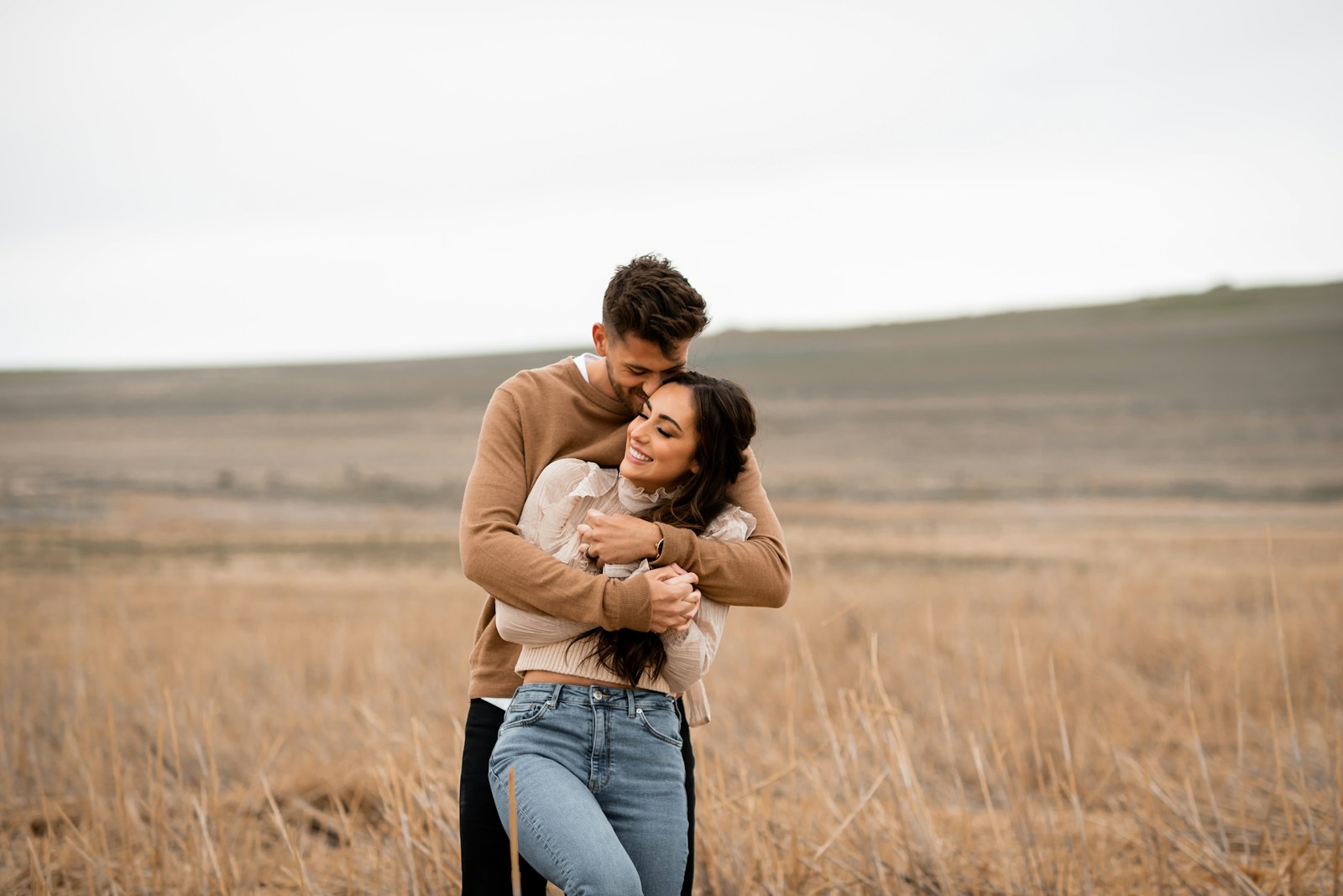
A landscape photograph of the two of you works best. It is resized in your browser before it uploads, so a picture straight off your phone is fine — you will not be waiting on the file.
Preview
This is your live site. Be sure to complete all content sections so there is no missing information.
Showing Classic in Sage
A real window, 1440px wide, at full size. Open it properly to read it at full size or try the links.